
Choose an MLO for the activity it will support, not only for the most impressive screenshot. A useful purchase fits your location, technical environment, licence needs and team's capacity to maintain it. These checks help turn a visual preference into a more informed decision.
1. Start with the player journey
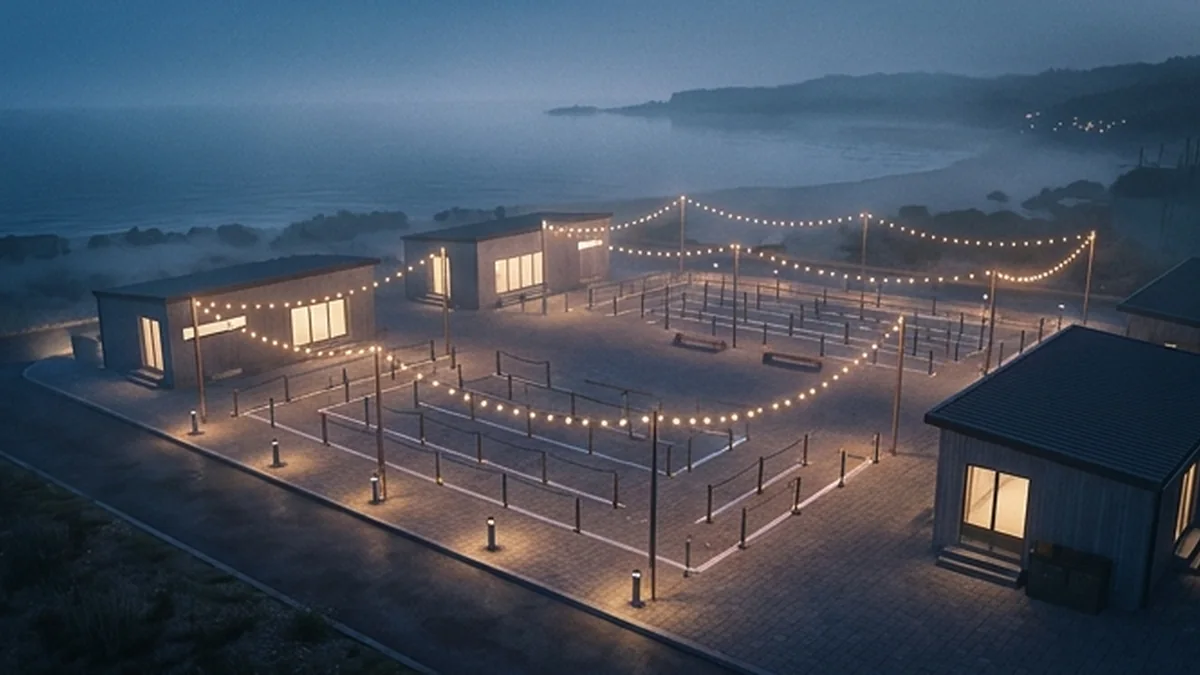
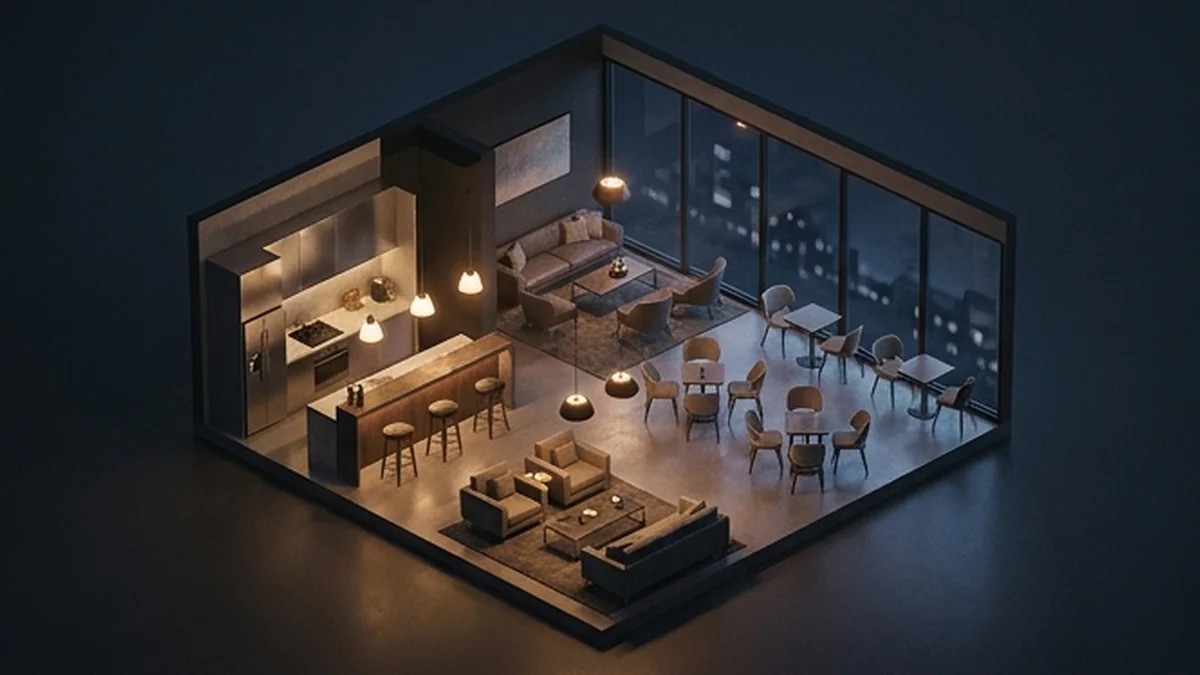
Describe how a player arrives, what they do inside and why they would return. Check sightlines, room connections and the relationship between public and staff-only spaces. More rooms are not automatically better; each space should have a role in the activity you are planning.
2. Verify placement and compatibility
Identify the coordinates or vanilla location being replaced. Compare it with the maps already running on your server, and ask about documented conflicts. Confirm the required game build and dependencies. Do not assume a visual resource includes framework-specific jobs, door locks or inventory interactions.
3. Ask for meaningful performance context
Entity count, texture choices, collision complexity and visibility all matter, but they do not collapse into one universal quality score. Ask what was tested and under which conditions. A low script reading does not establish that streamed geometry has no rendering cost. Plan a staging test with your own resource collection.
4. Choose the correct edition
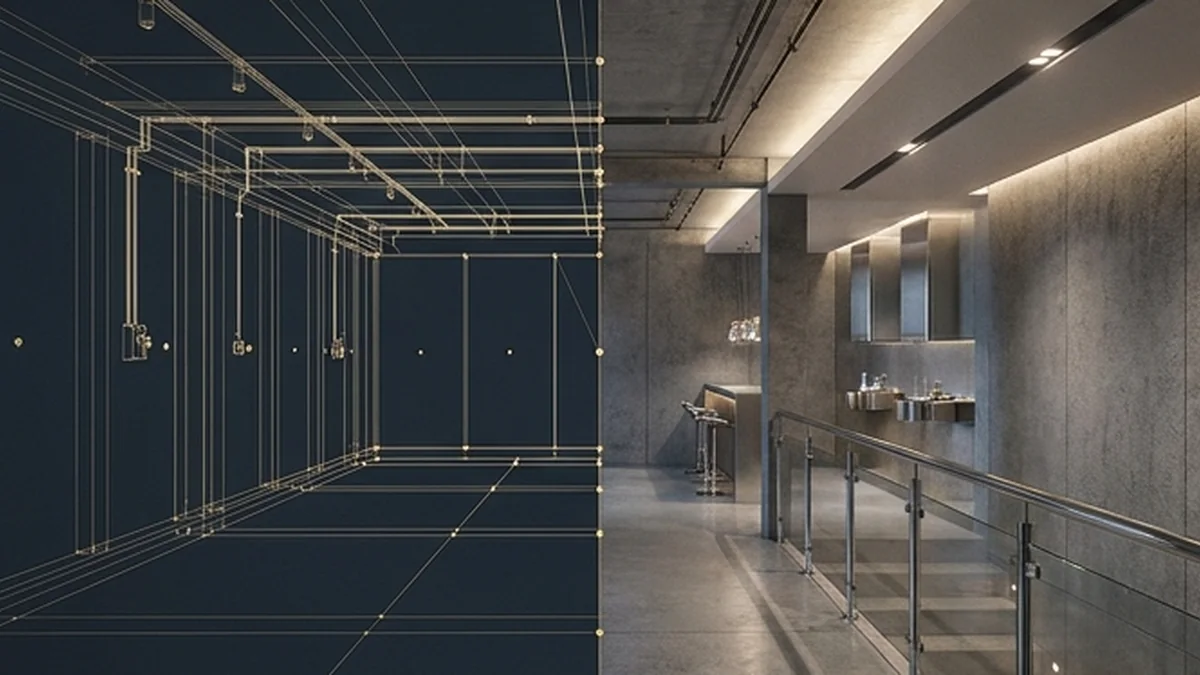
Compare the exact protected and editable editions, if both exist. Confirm which files can be modified and what tools and permissions are needed. Editable source does not automatically permit redistribution, and escrow does not necessarily mean every configuration or texture is inaccessible. Read the actual licence and package notes.
5. Understand support and delivery
Check the stated support route, delivery method and refund terms before paying. Review available documentation and the creator's responses to specific compatibility questions. A store's update history is useful context, not a guarantee of future response times.
6. Inspect more than a showcase
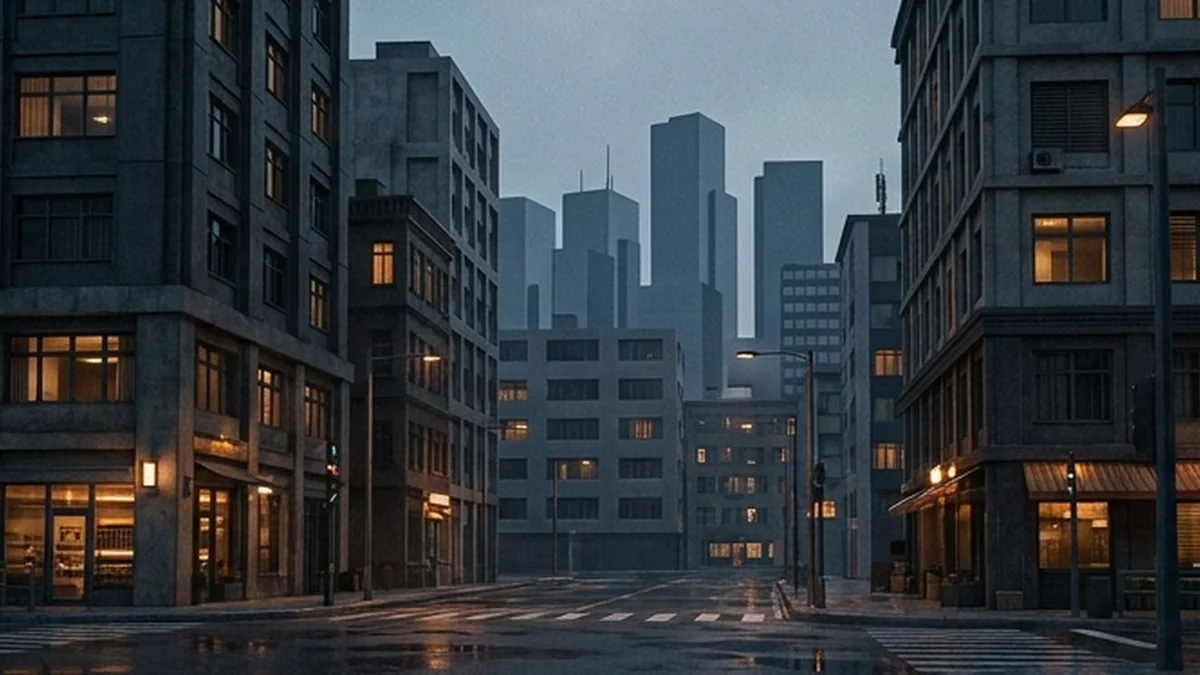
Use available media to review the whole space, entrances and lighting, not just a single cinematic angle. Clarify any specification that is missing from the listing. After purchase, verify installation and the intended player journey on staging before opening the location to your community.
Browse KAIZO Maps & MLOs and use support for package-specific questions. The Cfx.re Asset Escrow documentation explains the platform's protection system; your package licence determines the permissions you are buying.