
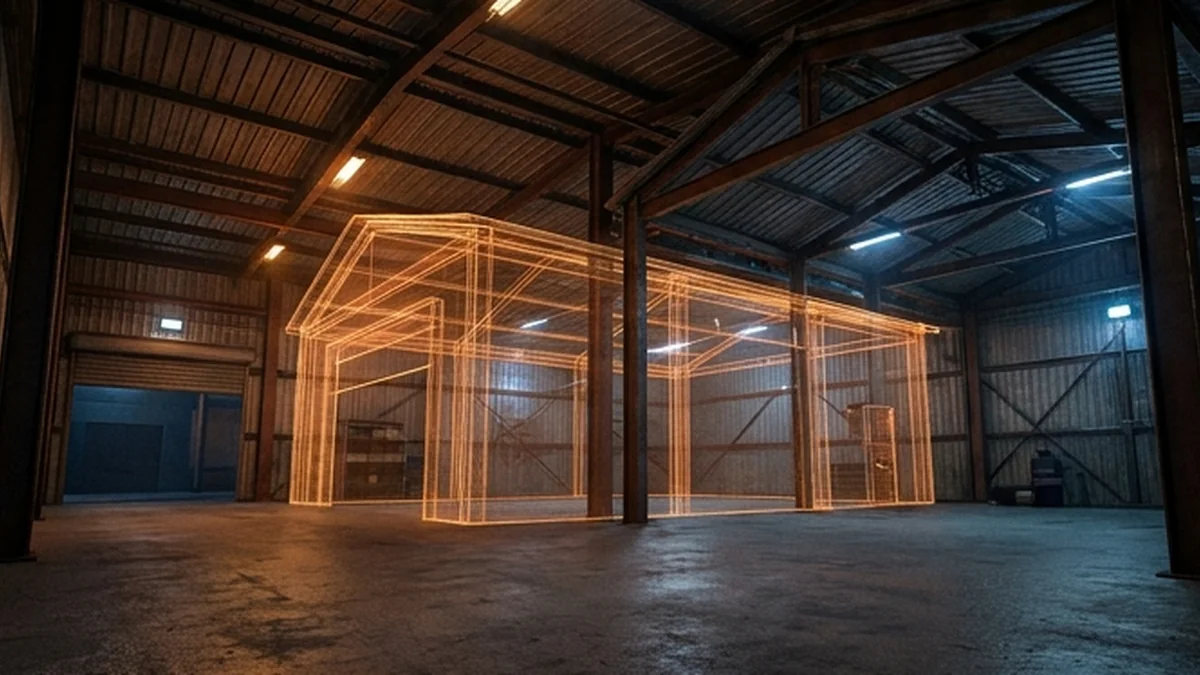

A wall that flickers, a floor that disappears or two versions of a building occupying the same space can point to a map conflict. But visual symptoms alone are not a diagnosis. Lighting, missing dependencies and resource startup errors can look similar. The useful question is not which package to blame: it is which smallest combination of resources reproduces the issue.
Start with a safe reproduction
Use a staging server with a backup of its configuration and a known working resource list. Record the exact coordinates, the direction the camera faces, the time and weather, the game build, and whether the problem happens on a fresh connection. Capture a short video that shows how to reach the spot. Avoid making customers clear their entire cache as a first response; that changes the test conditions without identifying the cause.
Separate collision problems from visual problems. A visible floor that a player falls through needs a different investigation from a solid floor with a flickering texture. Note whether doors, props and interiors appear for every tester or only for one client. An issue that affects one client may involve local modifications or incomplete downloads, rather than an overlap in the server's map configuration.
Build the smallest working baseline
Start the suspect resource with only its documented dependencies and the minimum server setup required to test it. Follow the creator's installation notes instead of renaming files or changing resource manifests experimentally. Test the location again. If the problem remains in isolation, capture the startup log and check required game build, placement and compatibility information before adding anything else.
- Record the resource folder name and exact release version.
- Check the package notes for required map changes and dependencies.
- Confirm the same coordinates are not already replaced by another resource.
- Keep an unmodified copy of the downloaded package for comparison.
Reintroduce resources systematically
Add the other map resources back in small groups. When the issue returns, narrow the last group until you can demonstrate the conflict with the smallest pair or set. For a large collection, testing half at a time can reduce the number of experiments, but keep a written record: different startup orders can otherwise make results difficult to compare. Reconnect after changes whenever the resource instructions require it.
Do not assume that moving an ensure line will solve every spatial overlap. Resource order may affect the outcome, but an actual conflict between replacements may need a compatibility patch or a different placement. Avoid deleting arbitrary streamed files or trying to modify protected assets. Check the licence and involve the relevant creators when the correction changes their work.
Send a support report someone can reproduce
- What should happen, and what happens instead?
- Where is the issue, including coordinates and camera direction?
- Which resource versions and game build were tested?
- Does it happen with the resource alone?
- What is the smallest resource combination that brings it back?
- Can you provide a brief video and relevant log lines without passwords, tokens or personal data?
Validate the fix beyond the original screenshot
After a patch, test the surrounding streets, roof, interior rooms and entry points in both directions. Recheck collisions on foot and in a vehicle, then repeat a fresh connection. Save the final resource list and keep a rollback copy. A fix is ready when the original reproduction no longer fails and the patch has not broken another part of the location.
For command behaviour and dependency declarations, use the official FiveM server commands and resource manifest reference. Need a KAIZO-specific compatibility check? Start at support with the reproduction details above.


