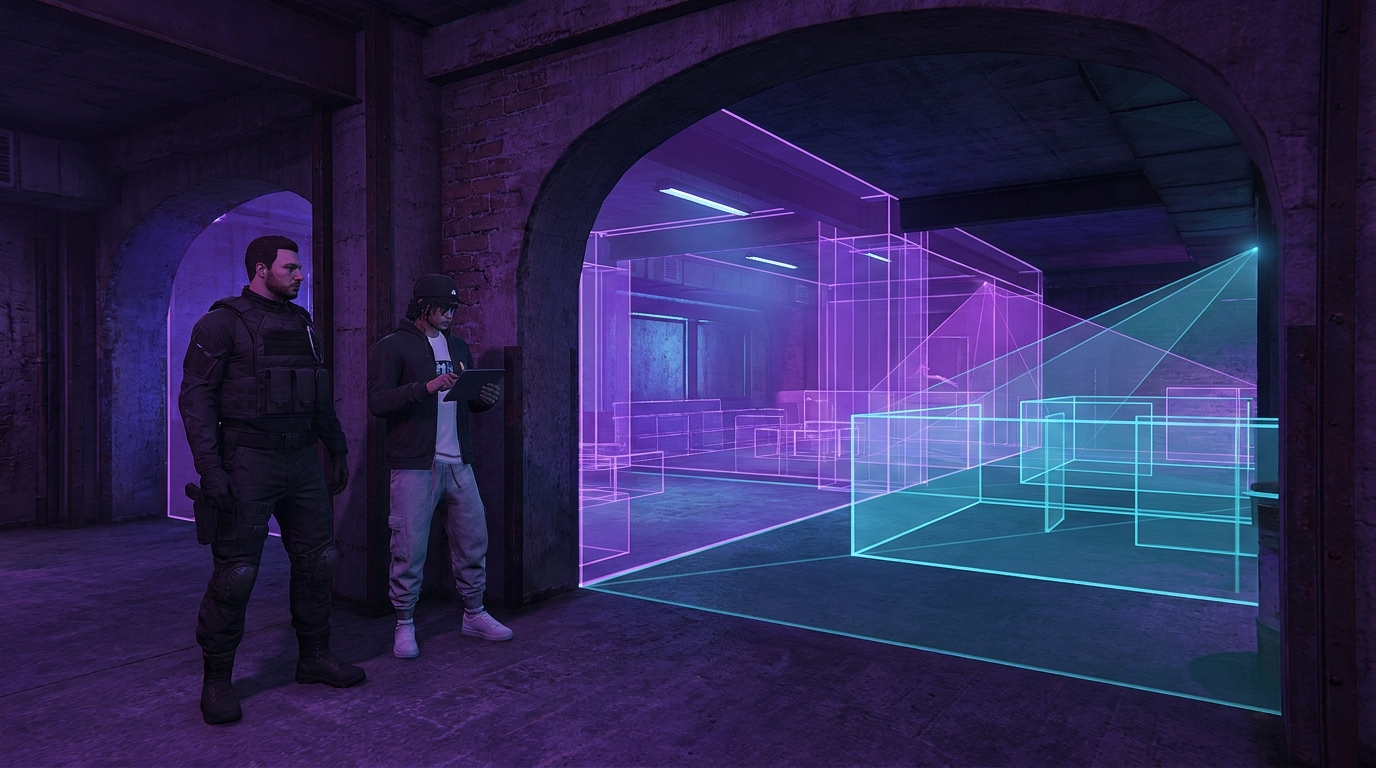
Detailed render geometry does not need equally detailed collision. A workshop cabinet may have handles, seams and small feet that matter visually but contribute nothing useful when a player or vehicle touches it. Using the visible mesh as collision can create unnecessary complexity and snag movement on tiny features. A proxy collision represents the gameplay boundary with a simpler shape, then proves that simplification through controlled movement tests.
Choose safe proxy candidates
Start with static props whose gameplay purpose is to block movement or support a surface: cabinets, counters, concrete barriers, storage crates, structural columns and large decorative machines. Avoid changing doors, stairs, ramps, seats, narrow cover edges or objects used by scripted interactions until their behavior is fully documented. The first pass should target obvious boxes and cylinders, not every collision file in the resource.
- Good candidate: static object with a simple outer boundary.
- Review carefully: object used for cover, climbing or vehicle alignment.
- Defer: animated, breakable or scripted object.
- Do not change blindly: stairs, ramps and walkable curved surfaces.
Match gameplay space, not visual detail
Build the proxy around the volume players must respect. A cabinet can often use one box that ignores handles and shallow recesses. A round bollard may use a simple cylindrical approximation. Leave deliberate walkable gaps open, and do not extend the proxy into doorways or interaction markers. The goal is fewer unnecessary collision features while preserving every meaningful route and stopping point.
If a detail cannot change where a player, vehicle or interaction may go, it usually does not need its own collision feature.
Test the proxy in isolation before combining changes. Walk into every face at normal speed, sprint along edges and approach corners diagonally. Crouch where your framework supports it. Then use the smallest and largest common vehicles near the prop if the location permits driving. Watch for sudden stops, hovering wheels, clipping, snagging and camera behavior caused by an oversized boundary.

Validate interaction alignment
Many roleplay spaces place targets, prompts or animations close to furniture. Confirm that players can still reach each marker and that animation positions do not place characters inside the new proxy. Test both entry and exit from the interaction. A collision simplification is a failure if it saves complexity but blocks a stash, workbench, cash register or vehicle-service point.
- Walk and sprint every accessible edge.
- Test diagonal approaches to corners.
- Drive representative small and large vehicles nearby.
- Activate every adjacent target or prompt.
- Run associated entry and exit animations.
- Check the same prop with the complete map resource enabled.
Change in small batches
Replace collisions for one prop family, record the asset names and test before moving to the next family. Small batches make regressions attributable. If ten unrelated objects change together and one doorway becomes blocked, the review becomes slower than the optimization. Keep original collision assets outside the streamed build and maintain a clear rollback package for staging.
Measure success through behavior as well as asset structure. The simplified proxy should remove small snag points, preserve the intended boundary and produce no new shortcut. Ask a tester who did not build the collision to run the route without coaching; builders often avoid edges they know are imperfect. Include a crowded scene if players normally gather around the prop, because characters can push one another into corners that a solo test misses. If the proxy changes cover behavior or animation alignment, revise the shape rather than accepting the defect as an optimization trade. Performance work is valid only when the roleplay space still behaves correctly in production.
Close the task with a before-and-after inventory: asset name, original collision approach, proxy shape, affected location and completed movement checks. Use video for snags or alignment defects because a screenshot rarely explains motion. For editable locations such as a mechanic workshop, Map & MLO Editing may be relevant when collision, prop placement and roleplay flow must be adjusted together. The result should be mechanically boring: players move exactly where intended, while invisible detail no longer does work that gameplay never required.