
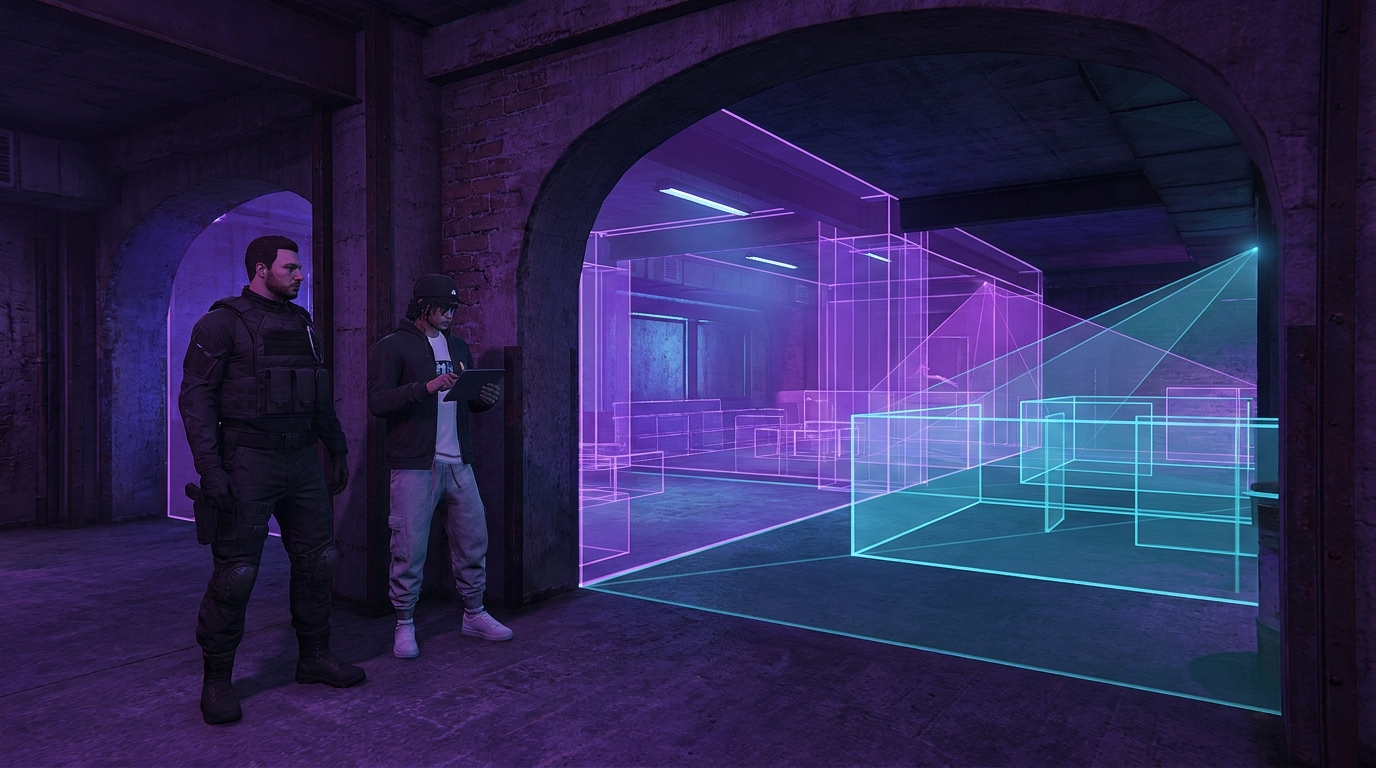

Occlusion controls what the game can avoid drawing when walls and rooms block the player’s view. In a small shop, weak occlusion may be hard to notice. In a club, hospital, police building or multi-floor social space, it can waste rendering work or make objects appear too late. Beginners cannot inspect every portal and room definition before buying, but a carefully requested demo reveals whether the interior behaves consistently.
Start with the floor plan
Ask the seller how many usable rooms and floors the MLO contains, then request a simple route that crosses them. You are not asking for proprietary files. You need to understand whether the building is one open hall, a chain of enclosed rooms or several levels connected by stairs. Occlusion matters most where solid walls divide spaces. An open arena should remain visible across the floor; a back office behind two closed walls usually should not.

Watch doorways at walking speed
Request footage approaching each major doorway slowly, pausing before the threshold and then stepping through. Look for large props, lights or wall sections appearing only after the camera has entered the room. Small changes can be normal, but the room should not assemble in obvious chunks in front of the player. Repeat the approach from the opposite side because a connection can behave differently depending on which room the camera starts in.
- Approach from both sides
- Pause one metre before the threshold
- Turn the camera left and right without crossing
- Step through slowly
- Back out while watching large props and lights
Test windows and interior glass
Windows create deliberate visibility between spaces, so the view beyond them must remain coherent. Ask for a camera pan across reception glass, office windows, control booths and internal balconies. Objects that are clearly visible through the opening should not disappear. At the same time, the entire building should not become visible because of one small pane. Large clubs and firing ranges deserve particular attention because long sightlines can connect several visually dense areas.
Good occlusion follows the architecture: walls hide, openings reveal, and transitions do not call attention to the system.
Check vertical connections
Stairwells, elevators, atriums and mezzanines are harder than flat corridors. Request one slow climb and one descent while rotating the camera toward adjoining floors. Watch ceiling fixtures, railings and large furniture. If a mezzanine overlooks the main room, the visible portion should stay stable. Closed rooms above or below should not become permanently active merely because the stairwell connects them.
Separate occlusion from distance LOD
An object disappearing because a wall blocks it is different from an object changing or vanishing because the camera moved farther away. Ask the seller to repeat suspicious moments while keeping a similar distance and changing only the wall or doorway between camera and object. This simple comparison helps identify the cause without specialist overlays. It also prevents you from blaming occlusion for a poorly configured level of detail.
Ask for a populated demo
Empty rooms are easier to render and easier to hide problems in. The demonstration should include the MLO’s normal furniture, decorative props and active lighting. If the venue is designed for social roleplay, ask for several player characters in adjacent rooms. You are checking visual stability, not demanding a player-count benchmark. The goal is to make room transitions representative of real use.
Use a simple scorecard
- Doorway transitions remain stable
- Windows preserve the expected view
- Walls hide unrelated rooms
- Vertical connections do not trigger obvious chunks
- Large props and lighting do not pop during normal movement
- The seller can explain known visibility limits
Do not reject a complex MLO because one tiny decoration changes at the edge of view. Focus on structural pieces, bright lights and large props that a player will notice. If two or more major transitions fail, ask for a fix or clearer evidence before buying. If the seller cannot demonstrate the full route, treat the unknown area as risk. A five-minute visibility pass is a reasonable request for an interior that may remain on your server for years.
Buy the behavior, not the screenshot
Occlusion cannot be judged from still images. It is a camera-and-movement system, so your buying evidence must move through the architecture. Combine this demo request with your normal checks for placement conflicts, entity counts and installation requirements. The result is a stronger decision: you know not only that the MLO looks good, but that its rooms appear and disappear in a way players are unlikely to notice.


